
⚡️ How to enable notifications about worker status?
Telegram notifications
To enable notifications, you need to:
1. First, connect your devices.
2. Go to “Settings.”
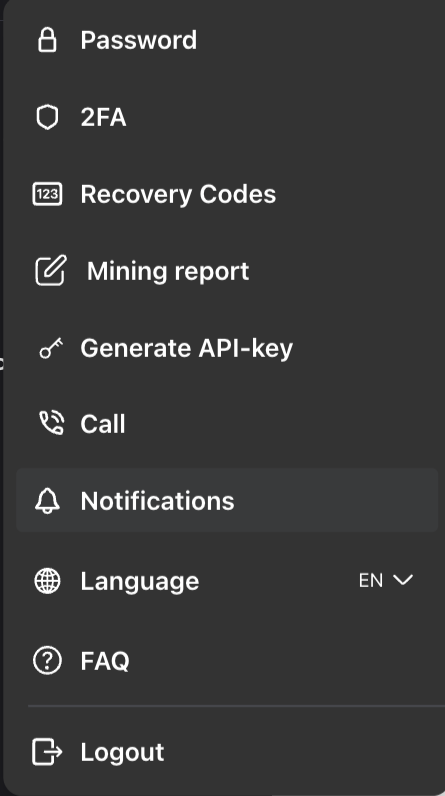
3. Click “Generate link” – after generation, you will receive a unique link that will redirect you to Telegram.
4. After opening Telegram, click “Start.”
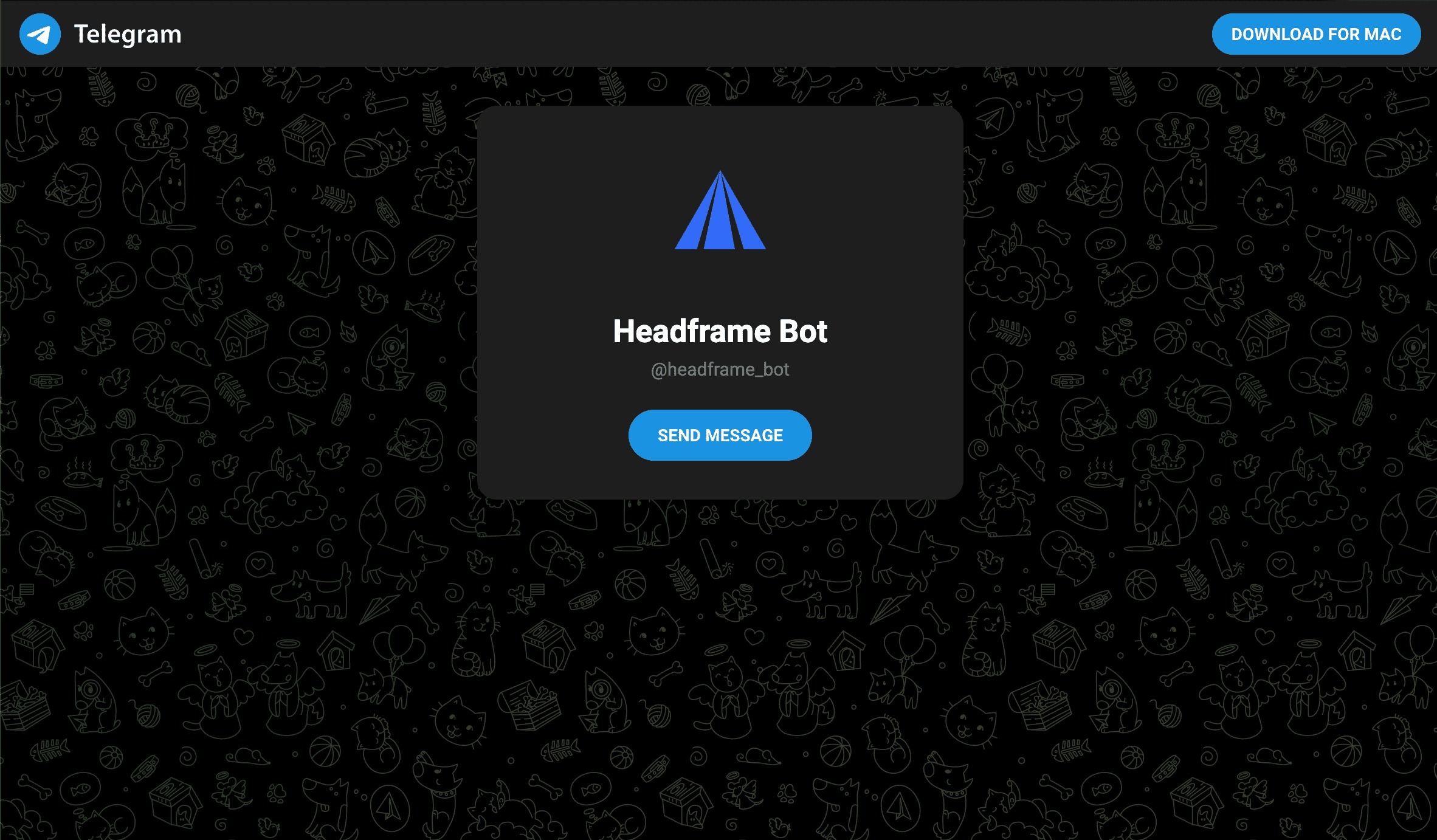
5. If the connection is successful, you will receive a message about it.
6. Congratulations! Notifications are set up.
Now, when the worker's status changes, the bot will send you a notification about it in Telegram.
If you have any questions, please contact technical support.