
⚡️ How do I add a subaccount?
Creating a subaccount.
To add a subaccount, open the curtain on the left—at the bottom, you will see the “Create Sub-account” button.
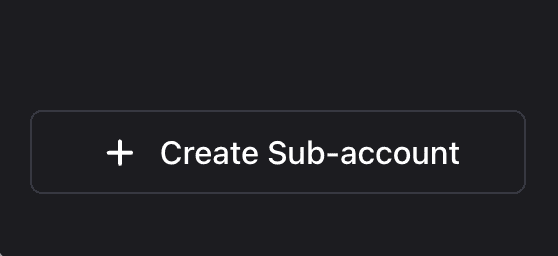
After clicking the button, you will be able to enter the name of your future subaccount.
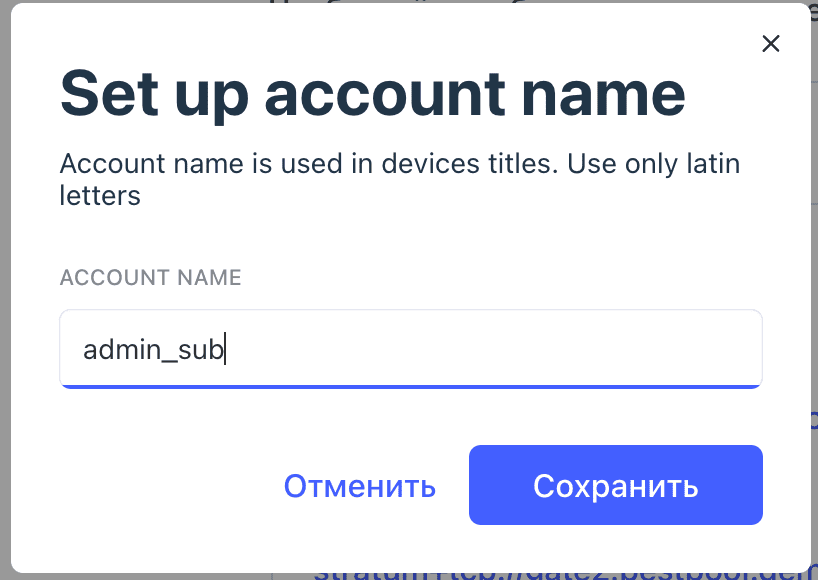
All done – after saving the data, your subaccount will appear in the left-hand menu.